

Use Koma in Notebooks
Run the same brain/EPI example as the UI and Julia script guides in Pluto or Jupyter.
Pluto
First, install the Pluto module in your Julia environment. Remember to press the ] button to open the Package Manager Session:
julia> ]

(@v1.13) pkg> add Pluto
Afterward, return to the Julia Session by pressing the backspace button, and then execute the Pluto.run() function:
julia> using Pluto

julia> Pluto.run()
This should automatically open the Pluto dashboard in your default web browser:
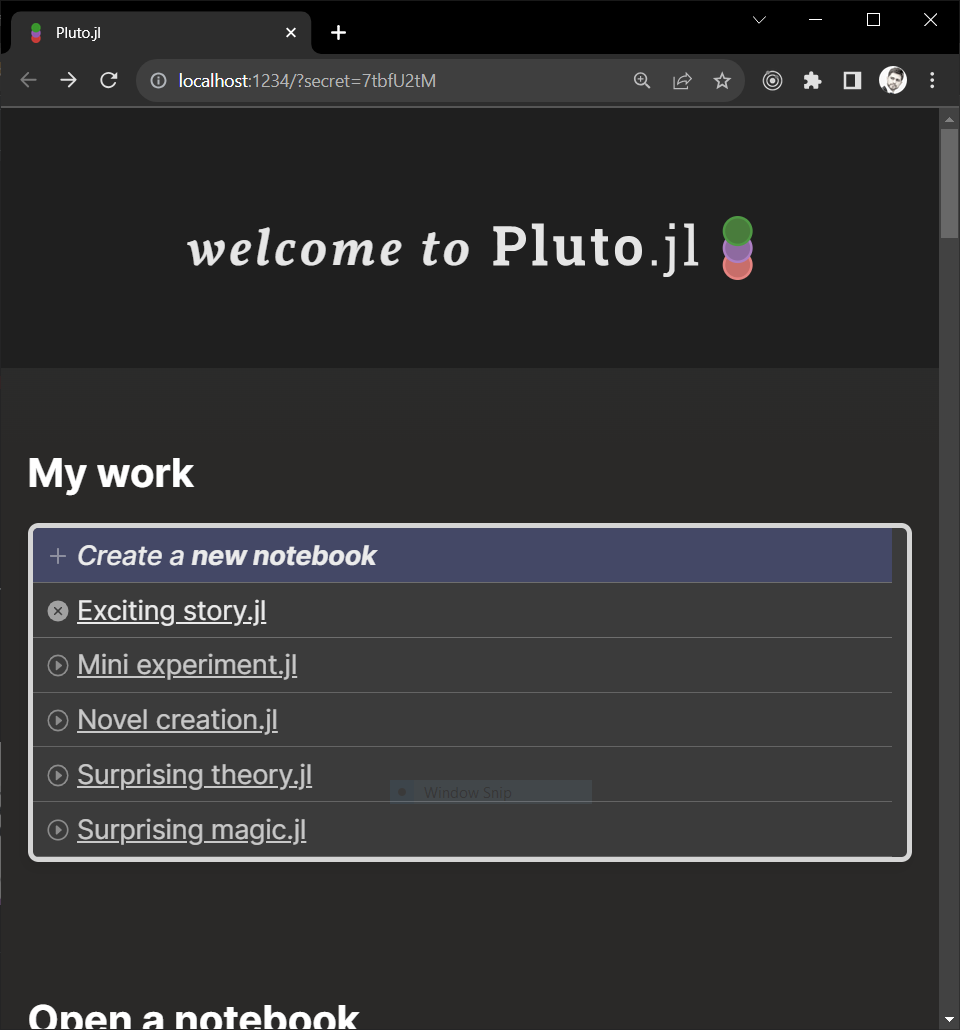
Next, create a new notebook by clicking on + Create a new notebook:
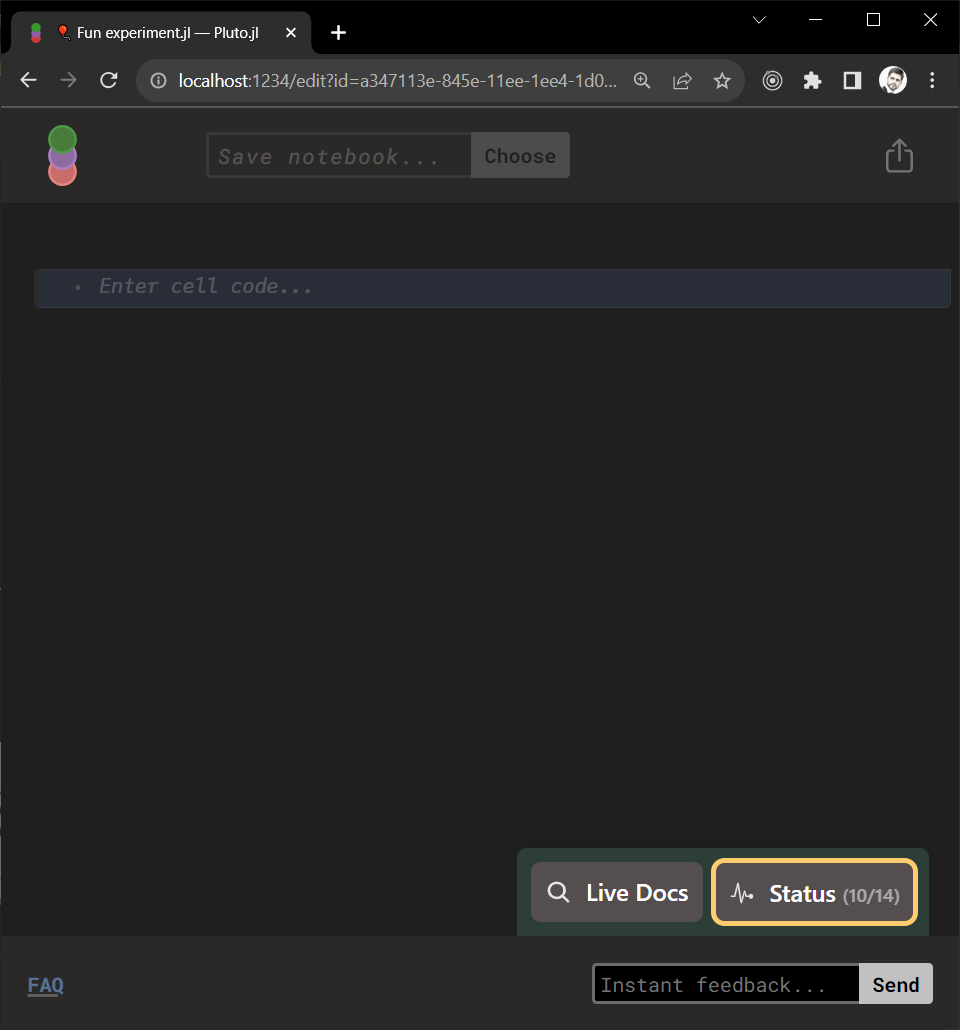
Run the basic workflow below, with each code block in its own cell. Pluto installs the required packages and stores their environment in the notebook.
Jupyter
Ensure you have Jupyter installed on your computer. Follow this tutorial for installation using Anaconda.
Next, install the IJulia module in your Julia environment. Remember to press the ] key to open the Package Manager Session:
julia>

(@v1.13) pkg> add IJulia
Install the packages used by the workflow:
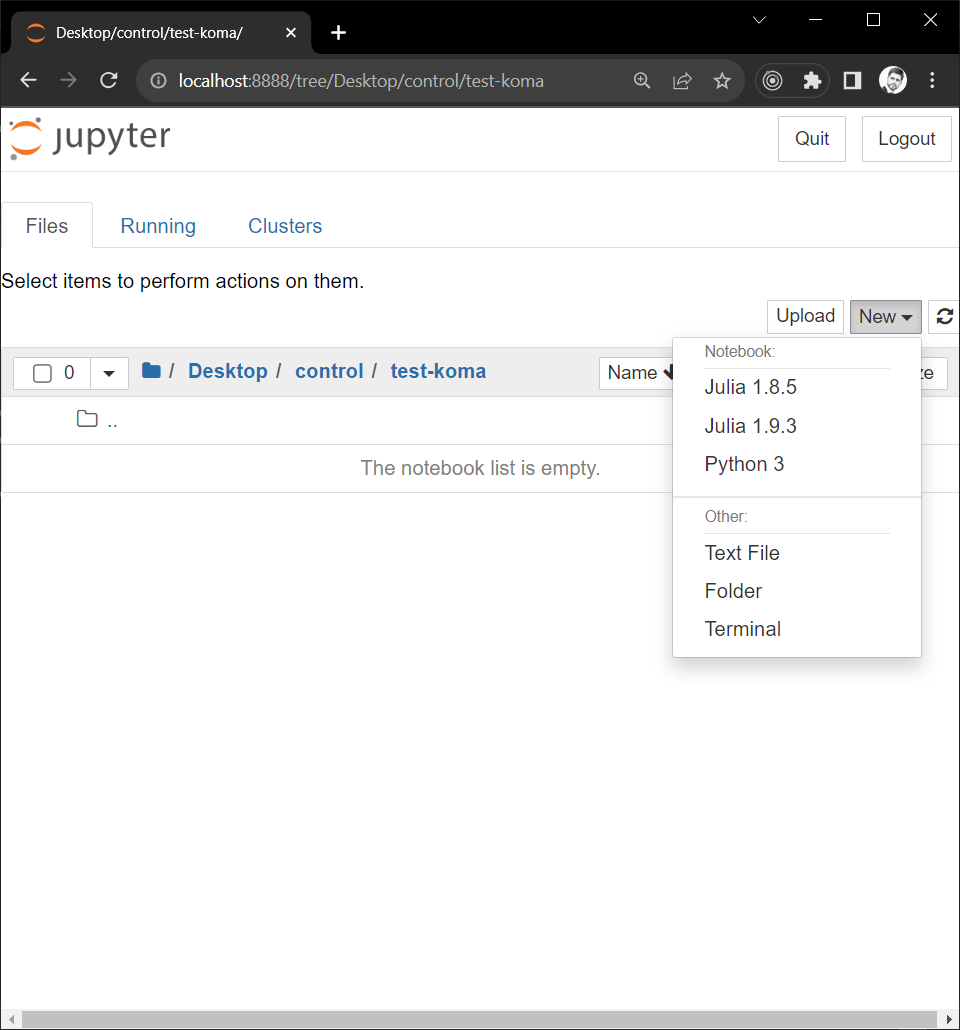
(@v1.13) pkg> add KomaMRI MATNext, open Jupyter, navigate to a working folder, and create a new notebook by clicking on New, then selecting your installed Julia kernel (e.g. Julia 1.13.1).
A new, empty notebook will appear:
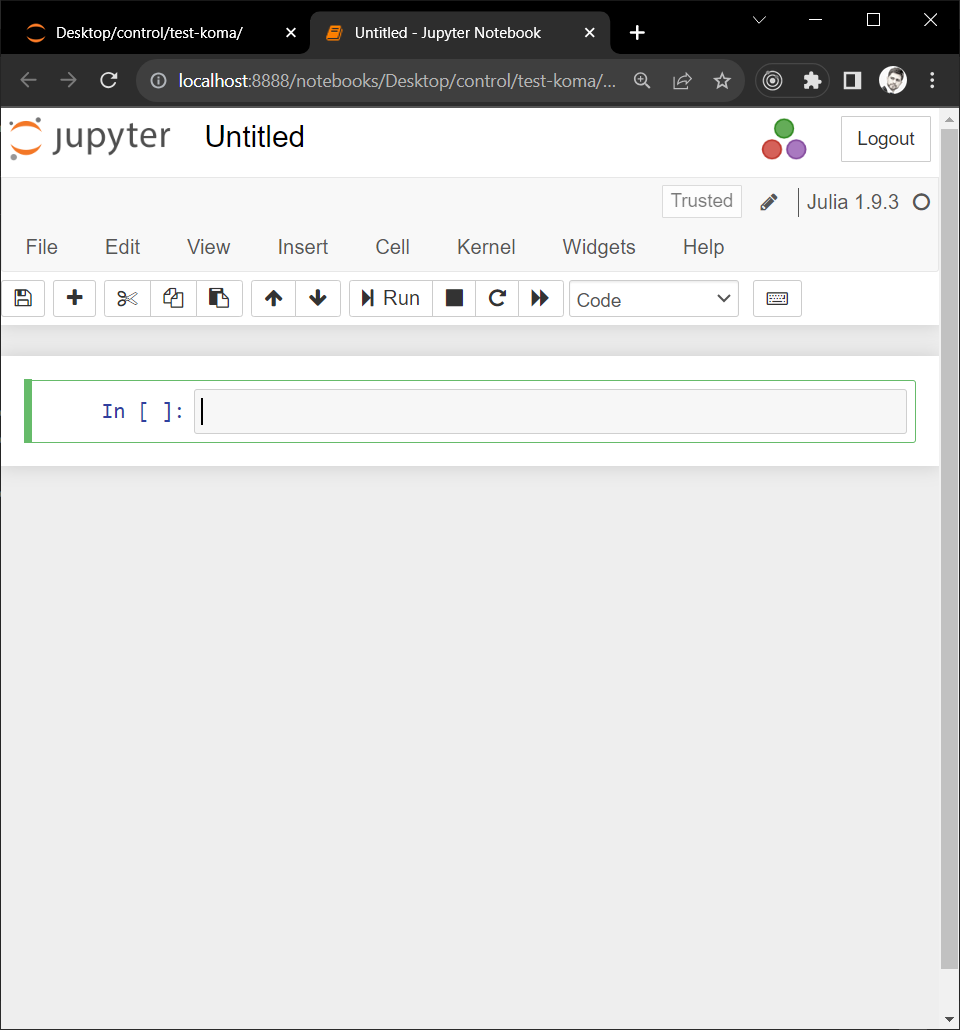
Run the basic workflow below, with each code block in its own cell. Plotly figures use the notebook's standard HTML display; no WebIO extension is needed.
Basic Workflow
Loading Simulation Inputs
Use the default scanner, brain phantom, and EPI sequence. Zero off-resonance to match the UI's default phantom:
using KomaMRI, MATsys = Scanner()begin
obj = brain_phantom2D()
obj.Δw .= 0
endseq = PulseDesigner.EPI_example(; sys)Display the phantom, sequence, and trajectory in separate cells:
plot_phantom_map(obj, :ρ)plot_seq(seq)plot_kspace(seq)Running Simulation
sim_params = KomaMRICore.default_sim_params()raw = simulate(obj, seq, sys; sim_params)plot_signal(raw)Reconstructing Image using MRIReco
rec_params = Dict{Symbol,Any}(:reco => "direct")result = reconstruct_with_labels(raw; rec_params)begin
Nx, Ny = raw.params["reconSize"][1:2]
image = reshape(first(result.images).image, Nx, Ny)
plot_image(image * (Nx * Ny))
endExporting Results
begin
    save(ISMRMRDFile(joinpath(tempdir(), "data_raw.mrd")), raw)
    MAT.matwrite(joinpath(tempdir(), "data_image.mat"), Dict("image" => image))
end
For the same optional sphere and spiral examples, run the code in Phantom and Sequence in separate cells. These use sphere and spiral, leaving the brain/EPI inputs unchanged.